Batch upload in a few clicks
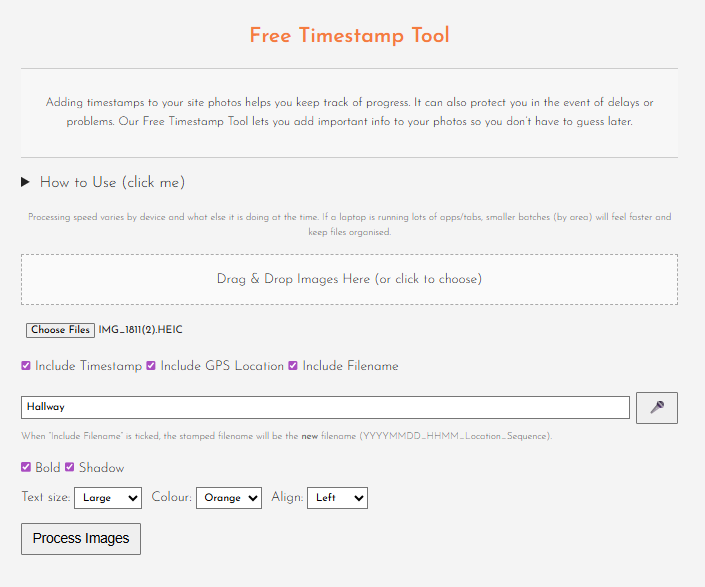
Drag and drop your images or choose them from your device, then process multiple photos in one go instead of marking each one up manually.
Choose what appears on each batch
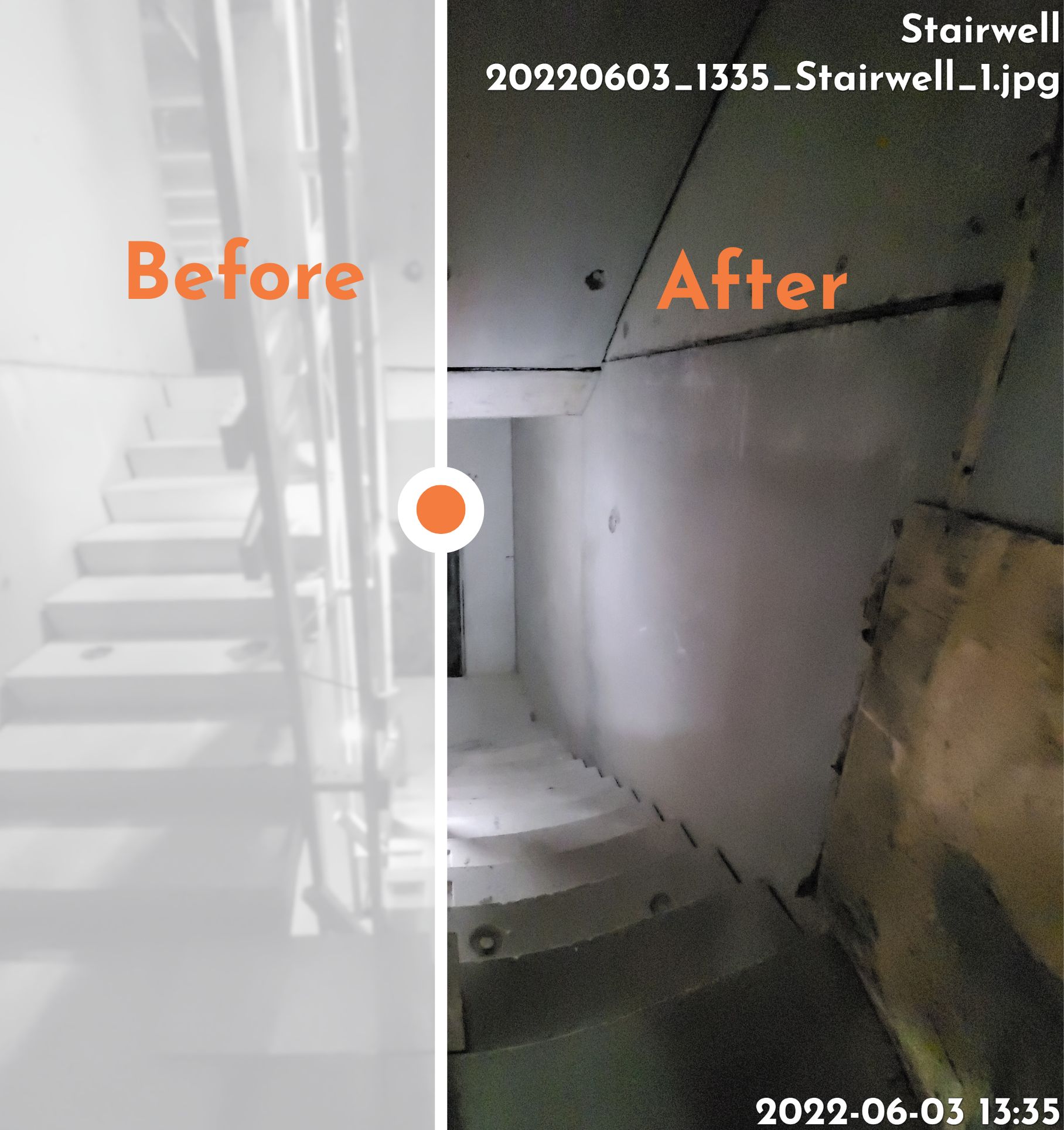
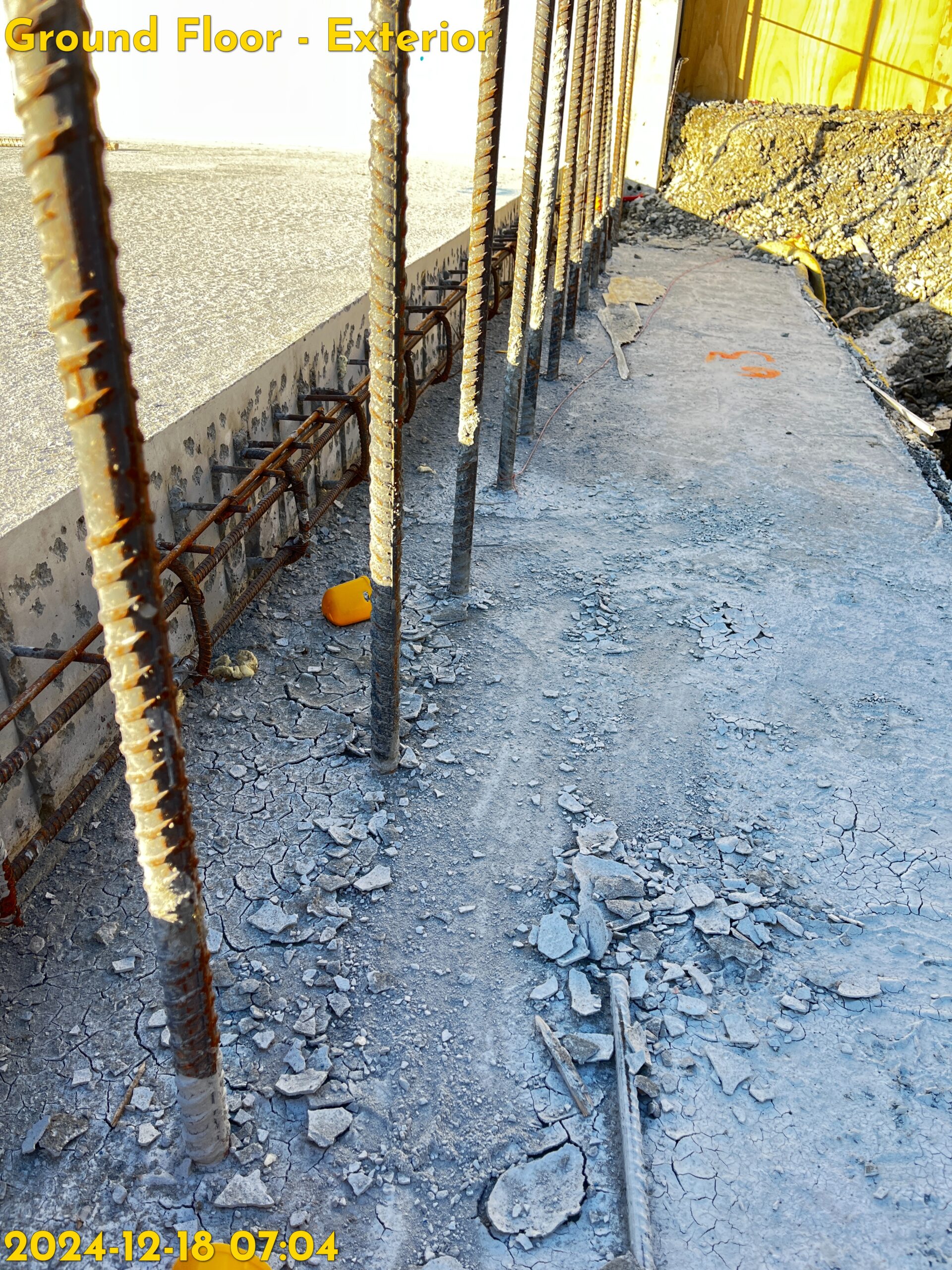
Add the date and time taken, GPS coordinates, site location, and filename directly onto the image, so every photo carries its own context.
Customise the overlay for readability
Set the text size, colour, alignment, bold styling, and shadow so the stamped information stays clear across different image types and backgrounds.
Use voice input to speed things up
Dictate the site location and even add spoken comments to selected processed images, which is especially useful when you are working through large batches.
Smart file naming that stays organised
Processed images are renamed using a structured format based on the photo date, time, location, and sequence number, helping you keep records tidy and easier to search later.
Built-in comments export
After processing, you can select individual stamped photos and add comments. When you download the ZIP, the tool can include a comments.txt file containing only the images that have notes against them.
Ready-to-download ZIP output
The tool packages the stamped JPEGs into a single ZIP file with a clean location-based name, making it easier to store, send, and archive each batch.
Photo data stays intact
The tool reads the metadata to pull through details such as the date taken and GPS information, then writes that data back into the processed JPEG.